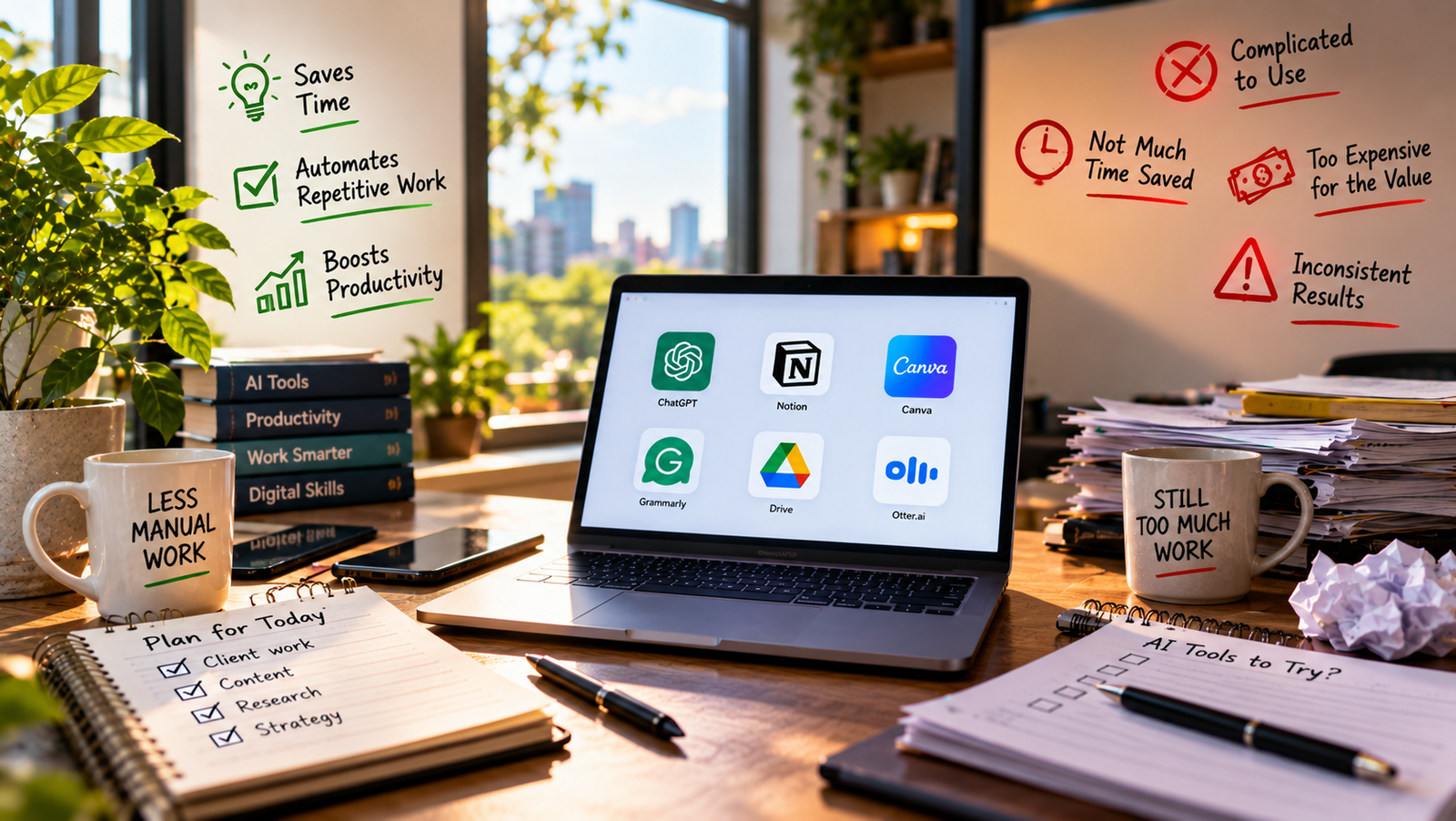
Every week there is a new AI tool promising to change how you work. Most do not. A handful genuinely do. After talking to lawyers, marketers, developers, accountants, and small business owners about what they actually open on a Monday morning, a clear pattern shows up: the AI productivity tools worth using are boring, specific, and quietly saving people hours. The flashy ones? They mostly gather dust after week two. If you want the wider landscape first, our complete AI tools guide for 2026 lays out the categories and how they fit together.
This piece is not a ranking. It is a field report. Here is what is working, what is not, and how to tell the difference before you burn another subscription budget.
Why Most AI Tools Fail the Two-Week Test
Almost every professional I spoke with had the same story. They signed up for something after a viral demo, used it for a few days, and then quietly stopped. The tool did not fail because it was bad. It failed because it added a step instead of removing one.
A good AI tool disappears into the workflow you already have. A bad one asks you to build a new workflow around it.
Keep that filter in mind. It is the difference between a $20 monthly charge that pays for itself and one that becomes the reason you audit your subscriptions in shame every quarter.
The Category That Is Genuinely Working: Writing and Editing Assistants
This is where AI has landed hardest. Not writing entire documents from scratch, but cleaning up drafts, tightening emails, and catching what tired eyes miss.
What is saving people time
- ChatGPT and Claude for reshaping rough drafts. Professionals paste in a messy email or a 400-word paragraph and ask for a tighter version. Ten seconds instead of ten minutes.
- Grammarly and its newer AI features for the last-mile polish before a client email goes out.
- Notion AI inside meeting notes, turning bullet chaos into an actual summary someone can read.
What is not
Long-form blog generators that promise to write a 2000-word article in one click. The output reads like a slightly confused intern wrote it, and editing the mess takes longer than starting from a real outline. A senior marketer I know put it bluntly: “It costs me more time to fix than to write.”
Meetings: The Sneaky Winner
Meeting transcription and summary tools were niche two years ago. Now they are in almost every professional’s stack, and for good reason.
What is working
- Otter, Fireflies, and Fathom for automatic transcripts and action items.
- Native Zoom, Google Meet, and Teams summaries for people who do not want another app.
- Granola for anyone who takes notes during the call and wants AI to fill in what they missed.
The reason these stick is simple: they run in the background. Nobody has to remember to launch them. The transcript arrives in your inbox after the call ends, and the summary is often good enough to skip re-listening.
Where it breaks down
Anything with a heavy accent, three people talking over each other, or bad audio still confuses these tools. And the “AI meeting coach” category (real-time feedback on how you speak) has almost universally been abandoned by the people who tried it. Nobody wants a robot grading their tone mid-sentence.
Coding Assistants: A Real Productivity Shift
If you write code for a living, the numbers here are not hype.
- GitHub Copilot, Cursor, and Claude Code are the current heavy hitters.
- Developers routinely report saving 20 to 40 percent of coding time on repetitive work: boilerplate, tests, config files, and simple refactors.
- The bigger win is momentum. You stop context-switching to look up syntax you half-remember.
What is not working: relying on these tools for architecture decisions, security-sensitive code, or anything you cannot personally review. The moment you stop reading the output, you start shipping bugs faster than a human could.
Research and Reading: Mixed Bag
This is where the hype and reality diverge most.
Wins
- Perplexity for questions that used to require five browser tabs. It cites its sources, which matters.
- NotebookLM for ingesting PDFs and long documents, then asking questions against them.
- ChatGPT with web browsing when you need a quick synthesis, not a definitive answer.
Losses
General “AI search” replacing Google entirely. Not yet. Professionals still bounce back to search engines for anything reputational, local, or time-sensitive. AI research tools also hallucinate confidently on niche topics, which is dangerous if you are not an expert in what you are asking about.
If you want deeper picks for research-heavy work, this breakdown of AI tools worth adding to your 2026 stack covers the specific ones professionals in law, finance, and academia actually keep past the trial.
Design and Creative Work
Marketers and small business owners love this category. Actual designers are more skeptical, and both are right.
Working well
- Canva’s AI features for non-designers who need a serviceable graphic in three minutes.
- Midjourney and DALL-E for concept art, mood boards, and stock-replacement images.
- Descript for podcast and video editing that used to require actual editing skills.
Not working
Any tool promising to replace a real designer for brand-critical work. The output is competent but generic, and generic is the enemy of a brand that wants to stand out. Use these tools for internal decks, first drafts, and social posts. Not for the homepage.
Automation Tools: The Quiet Compounders
This is the category most professionals underestimate. Automation is where AI starts saving hours per week without you noticing.
- Zapier and Make with AI steps for parsing emails, routing leads, and generating first-draft responses.
- ChatGPT’s custom GPTs and Claude’s Projects for repeatable tasks: turning a client brief into a proposal, or a support ticket into a categorized log.
- AI inside CRMs (HubSpot, Salesforce, Pipedrive) for drafting follow-ups and summarizing account history.
The catch: these require upfront setup. If you are not willing to spend a Saturday configuring the automation, you will not see the benefit. This is why they underperform in reviews and overperform in real workflows.
Tools That Sound Amazing But Rarely Deliver
Some categories keep generating hype and disappointment in equal measure.
- AI email inbox managers that promise to triage everything. Most people trust their own judgment more than a bot’s, and rightly so.
- AI “second brain” note-taking apps that surface old notes with AI. Cool demo, but almost nobody keeps using them after a month.
- AI scheduling assistants that email back and forth on your behalf. Recipients find it awkward, and calendar links do the job better.
- AI resume and job-application tools that spray applications everywhere. Recruiters can spot the output instantly.
None of these are broken technology. They just solve problems that were not that painful, or they solve them in a way that creates new social friction.
How to Tell If an AI Tool Will Actually Save You Time
Before subscribing to another one, run it through these four questions:
- Does it slot into a tool I already open every day? If yes, the odds of sticking are high.
- Am I doing this task at least three times a week? Anything less frequent is not worth the setup cost.
- Would I trust the output without reviewing it? If no, factor review time into your ROI math.
- Can I cancel in one click if it does not work? Annual contracts for AI tools are almost always a mistake right now. The category is moving too fast.
Most professionals who feel productive with AI are running three to five tools. Not fifteen. The people burning money on subscriptions are usually the ones chasing every new launch instead of going deep on a small stack.
The Honest Verdict for 2026
AI has genuinely moved the needle for writing polish, coding, meeting notes, research shortcuts, and quiet background automation. It has not delivered on inbox management, real-time coaching, autonomous agents doing your whole job, or one-click content that anyone should ship.
The tools worth paying for right now are the ones that shave a specific, repeated task off your day. Everything else is a demo that impressed you in a YouTube video. If you want a broader map of what is worth trying next quarter, this guide to the best AI tools for 2026 is where I would start. Pick two. Give them a real month. Cancel what does not stick.
That is the actual productivity hack. Not more tools. Fewer, better ones.