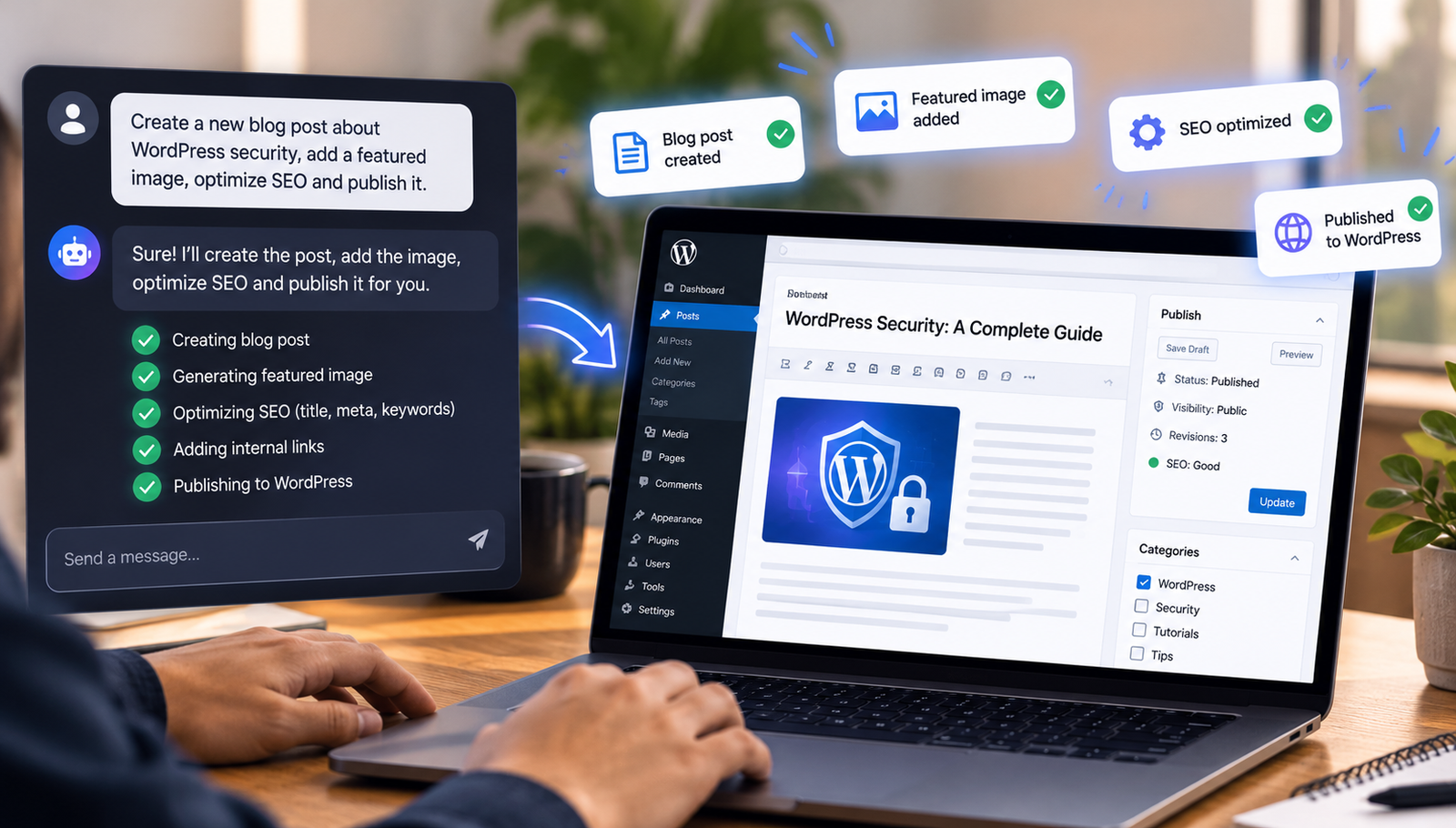
Most people who own a WordPress site do not love the dashboard. They love what the site does – the posts going out, the orders coming in, the pages looking right on a phone. The dashboard is the tax you pay to get there: a maze of menus where a five-second change hides behind five clicks and a page reload. For a long time that was simply the deal.
That deal is quietly changing. A new category of tool lets you point an AI assistant at your site and describe what you want in plain language, and the work happens in the background. No tabs, no settings screens, no hunting for the right toggle. You say what the outcome should be, and the site reflects it a moment later.
The shift from clicking to describing
The technical piece that makes this possible is the Model Context Protocol, or MCP – an open standard that lets an AI assistant connect to an external system and call well-defined actions on it. When a WordPress site speaks MCP, an assistant like Claude or ChatGPT can read and change it the same way a logged-in editor would, but through conversation instead of a browser.
The practical difference is in altitude. Instead of thinking in terms of which menu holds the setting you need, you think in terms of the result. “Publish the launch post Friday at 9am.” “Put the winter range on sale.” “Tidy up last week’s spam.” The assistant maps that intent onto the correct underlying action. A WordPress plugin such as GripMCP acts as the bridge: you install and activate it like any other plugin, and it turns a normal WordPress install into a secure endpoint that assistants can plug into.
Design and build work you can hand off
The flashy use case is building. And it is genuinely useful – a surprising amount of day-to-day site work is phrasing, not engineering.
Pages, layouts and copy
Changing a homepage headline, adding an FAQ block to a pricing page, or reordering sections usually means opening a page builder, finding the element and saving. Described in a sentence, those edits run against the builder’s own data layer – Elementor, Divi and similar – so the layout stays intact rather than being overwritten. You can draft a new page, adjust an existing one, or ask for a few wording options and keep the one that reads best.
Content and media
Drafting posts by chat is the obvious one, but the quieter wins are the chores around content: setting an excerpt, assigning categories and tags, uploading a batch of images and marking the featured one, or turning a run of recent posts into a newsletter draft. These are the tasks that are trivial individually and tiresome in bulk, which is exactly where handing them to an assistant pays off.
The part nobody enjoys: ongoing maintenance
Building a site is a burst of effort. Keeping it healthy is a slow, open-ended commitment, and it is where most sites quietly fall behind. Plugins go stale, a PHP notice starts filling the error log, a form stops sending mail, and nobody notices until something visible breaks. Maintenance is unglamorous – the kind of work that, along with your choice of managed WordPress hosting, quietly decides whether a site stays healthy. That is precisely why it is the strongest argument for chatting with your site rather than visiting it.
Updates and health checks
Asking “is anything broken on my site?” returns a real answer – PHP version, memory, HTTPS, error count, which plugins are behind – without a trip through Tools and Site Health. “Update my plugins and theme” does in one line what otherwise means selecting everything on the Updates screen and waiting. Because you can ask quickly, you ask more often, and small problems get caught while they are still small.
Fixing things when they break
When something does go wrong, the usual path is FTP, the debug log and the theme file editor. Being able to say “there’s a PHP error on the homepage, take a look” collapses that into a conversation – the assistant can read the relevant file, explain what it found and propose a fix. Good implementations keep a backup of any file or layout they touch, so an edit is never a one-way door.
Bring the AI you already pay for
A fair question at this point: does this mean another subscription? It does not. The bridge is not itself an AI – it connects the Claude, ChatGPT or Gemini plan you are already using. Your assistant does the thinking; the plugin on your site does the doing, and only within the permissions you grant.
That separation matters for cost and for control. You are not locked into one model, and you can switch the assistant you prefer without touching the site.
Where the guardrails live
Handing site access to an AI should make you a little cautious, and the right answer to that caution is not to avoid it but to insist on limits. The ones worth checking for are straightforward.
Every action should run as a real WordPress user whose capabilities are enforced exactly as they are in the dashboard – nothing elevated. Destructive moves such as deleting a plugin, refunding an order or creating a new admin should wait for your explicit approval, with a note on what they would affect, and an assistant should never be able to approve its own request. And every call should be logged with who did it, when and how long it took, so nothing happens unseen. If a tool gets those three things right – scoped permissions, approvals on anything irreversible, and a complete activity trail – the “giving an AI the keys” worry largely answers itself.
One thing worth watching
If the idea appeals but you would rather not pay full price to try the paid tiers, the timing is good. Black Friday is around the corner, and it is one of the few points in the year when this kind of software sees real discounts. It is worth keeping an eye on the upcoming Black Friday offers before committing to an annual plan – a quick look at the current pricing now will make any seasonal deal easy to judge when it lands.
The takeaway
None of this removes WordPress – the dashboard is still there when you want it, and it is still the right place for deep, exploratory work. What changes is that the routine 80% – the quick edits, the content chores and especially the maintenance you keep putting off – no longer requires you to go there at all. You describe the outcome, the work runs with your permissions, and you get a plain report of what happened. For most site owners, that is less a new feature than a quieter relationship with a tool they have tolerated for years.